Enterprise · Intranet · 2024–2025
xPortal
An intranet for 1,000+ people — for people, about people.
- Role
- Product designer, one of two designers in a cross-functional product team
- Team
- Product owner, product manager, 2 designers, developers, QA
- Scope
- Information architecture, What's New, My Corner, visual identity
- Status
- Built and fully functional; full launch paused by a company reorganization
Cats.
They say cats are the only domestic animal that essentially domesticated themselves. That's exactly how they ended up on our intranet — walked in, made themselves at home, and put a sign on the door: don't bring other animals.
How did we build an intranet that's genuinely for people, about people — and ended up so good even cats wanted in?
// Part 1
Strategy
The immediate trigger was practical: we needed to move off GSuite. But once we sat down to figure out what we were actually building, the scope got bigger — and more interesting.
We weren't just migrating information. We were asking: what does a company intranet actually need to do for the people using it every day?
Users were drowning in fragmented everything — announcements in one place, tools in another, no clear sense of what was relevant to them personally. Finding anything took longer than it should. And connecting with people across the company? That required either luck or a very patient manager.
So we structured our thinking around three tracks: Broadcast & Inform (getting the right information to the right people), Enable & Support (making everyday tasks faster and less painful), and Find & Connect (helping people navigate without needing a guide).
The north star was simple: an intranet people would actually open every day — not because they had to, but because it was faster than asking someone.
To know whether we got there, we tracked three things: how often people used it, how quickly they completed tasks, and whether they actually liked using it.
// Part 2
For people, about people
Over a thousand people. Developers, designers, QA engineers, content creators, managers. Different time zones, different contexts, different definitions of "I need this now."
That's who we were designing for.
To understand what they actually needed, we ran one-on-one interviews and tree testing sessions across roles. We tested raw prototypes, watched where people got stuck, and listened carefully.
Information architecture of xPortal
There's no classic Home page. xPortal has six main sections.
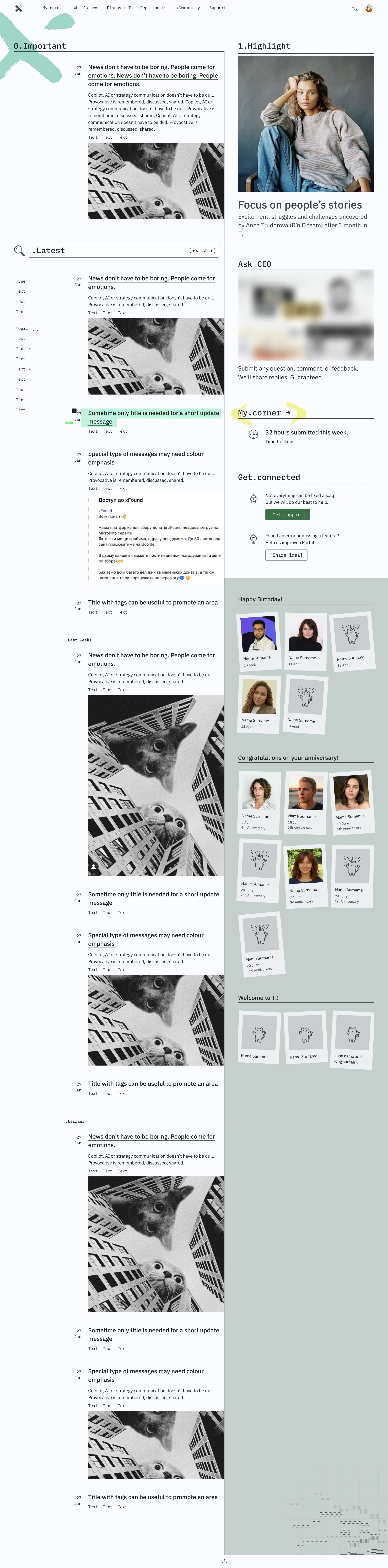
What's New answers one question: what's happening in the company right now? It's a news feed with announcements, highlights, and a sidebar that shows birthdays and new team members — because knowing who joined last week or whose birthday it is today is part of feeling connected.
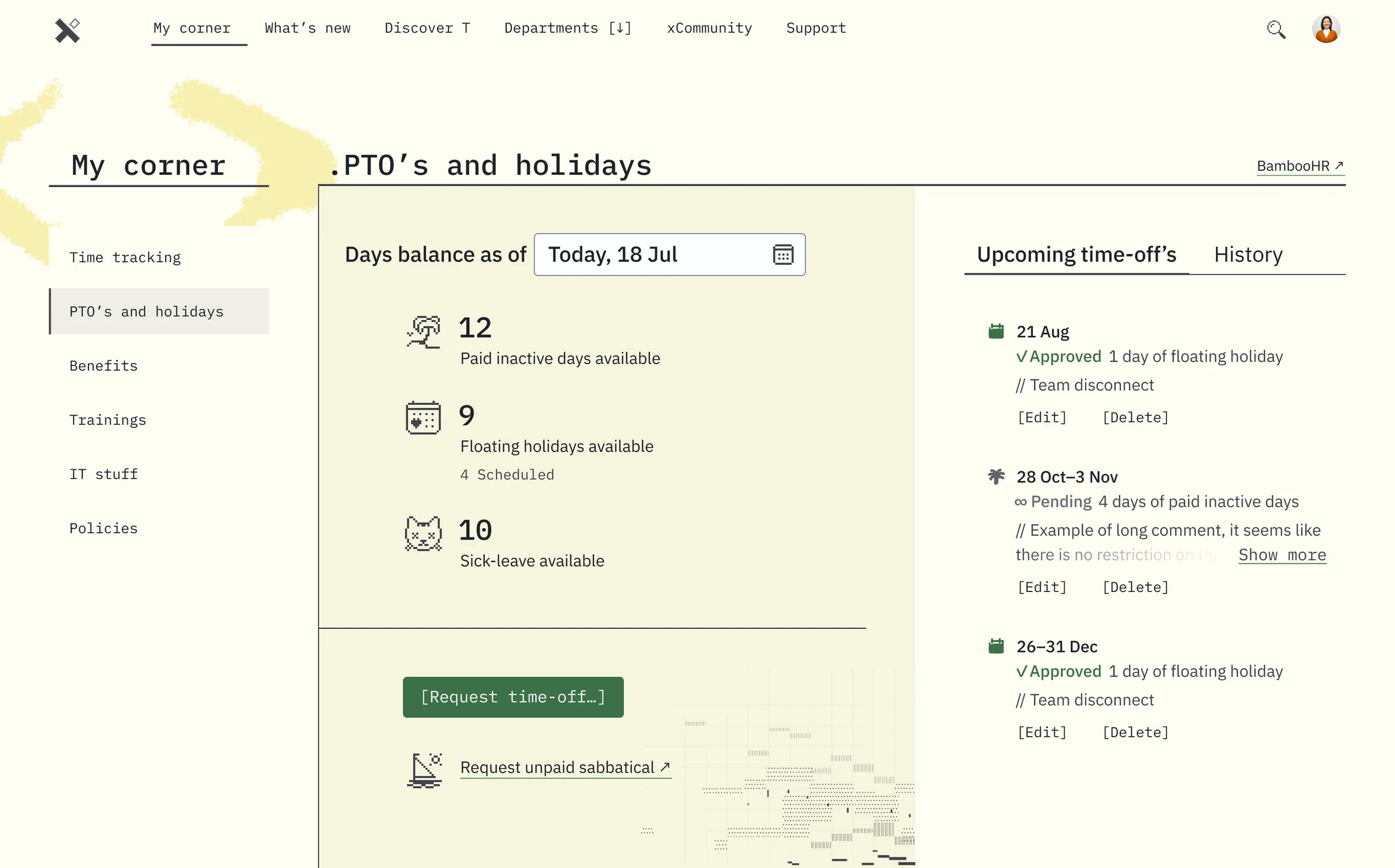
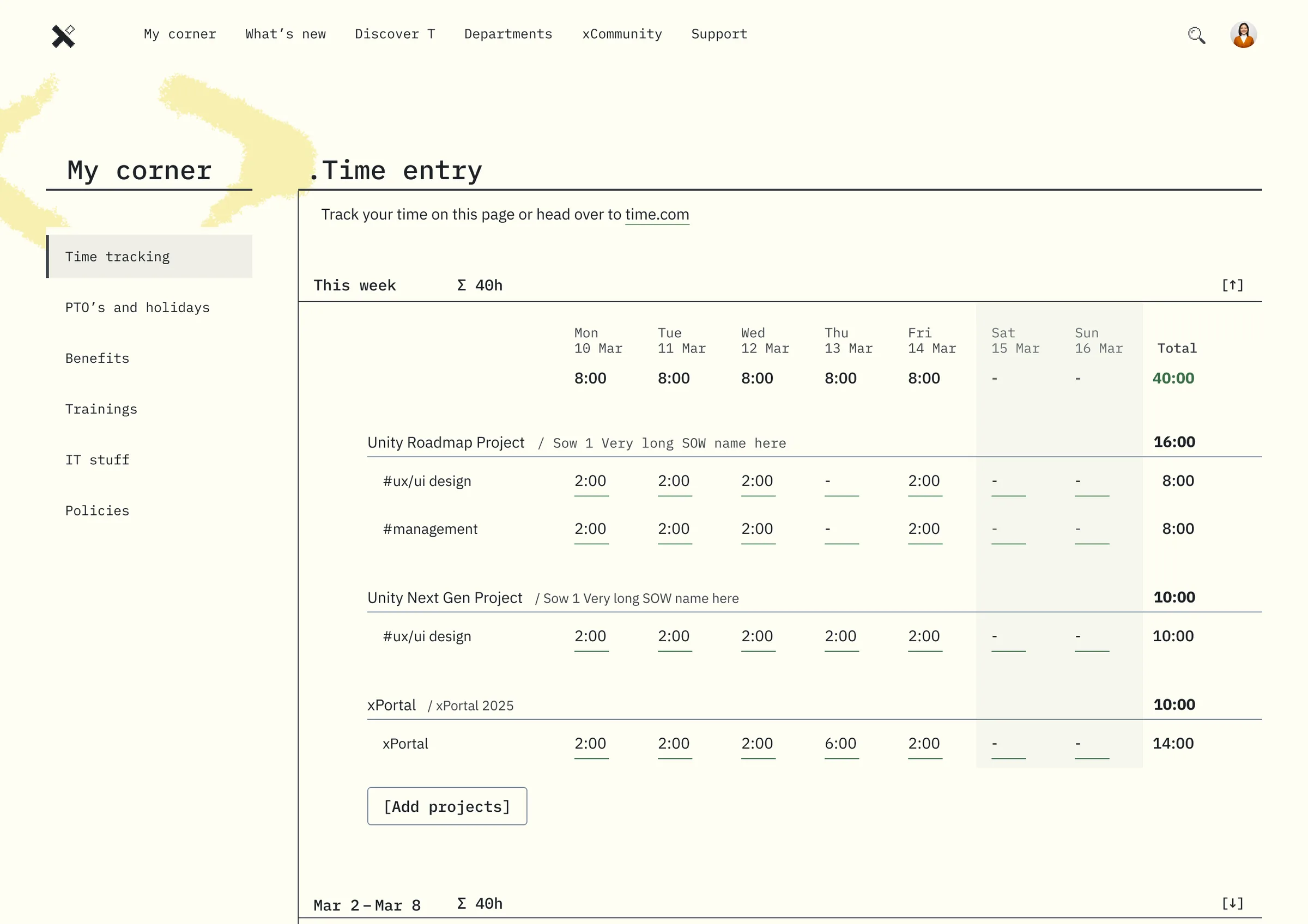
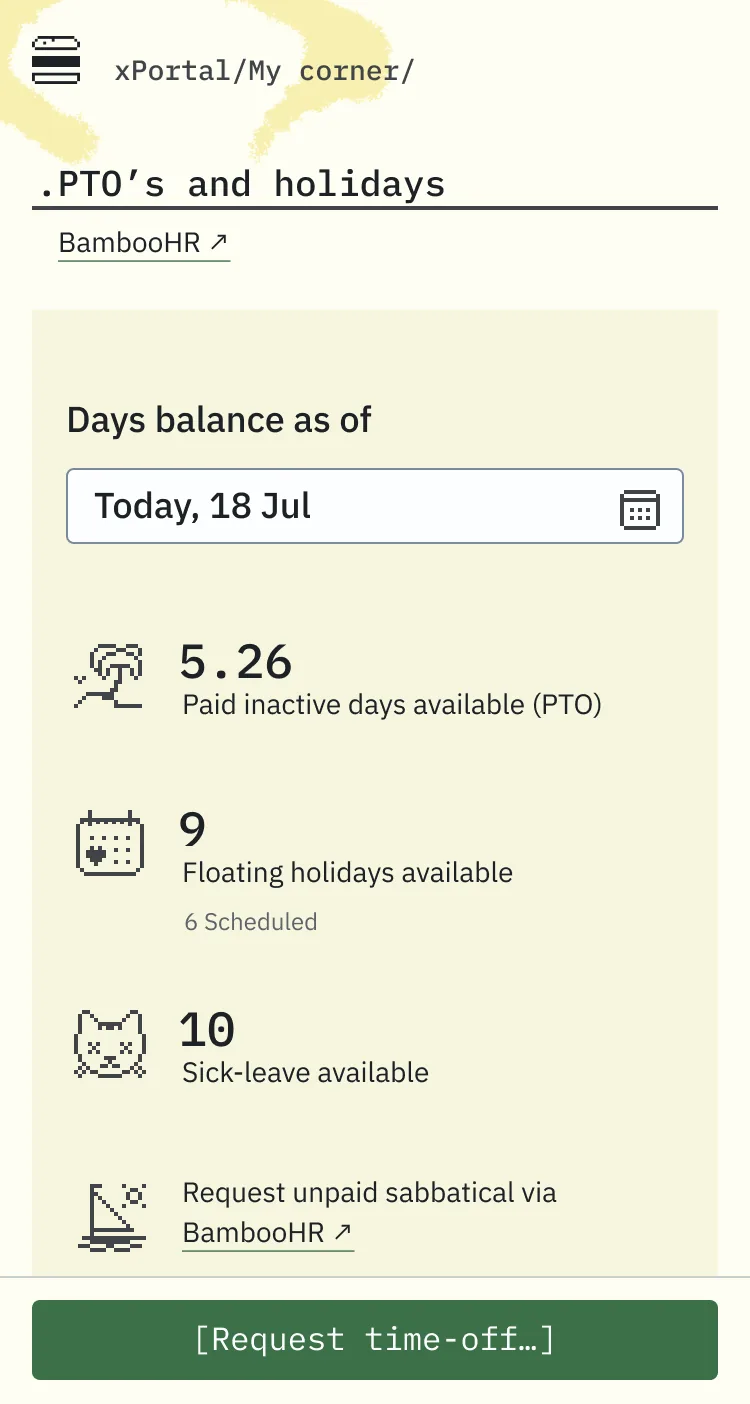
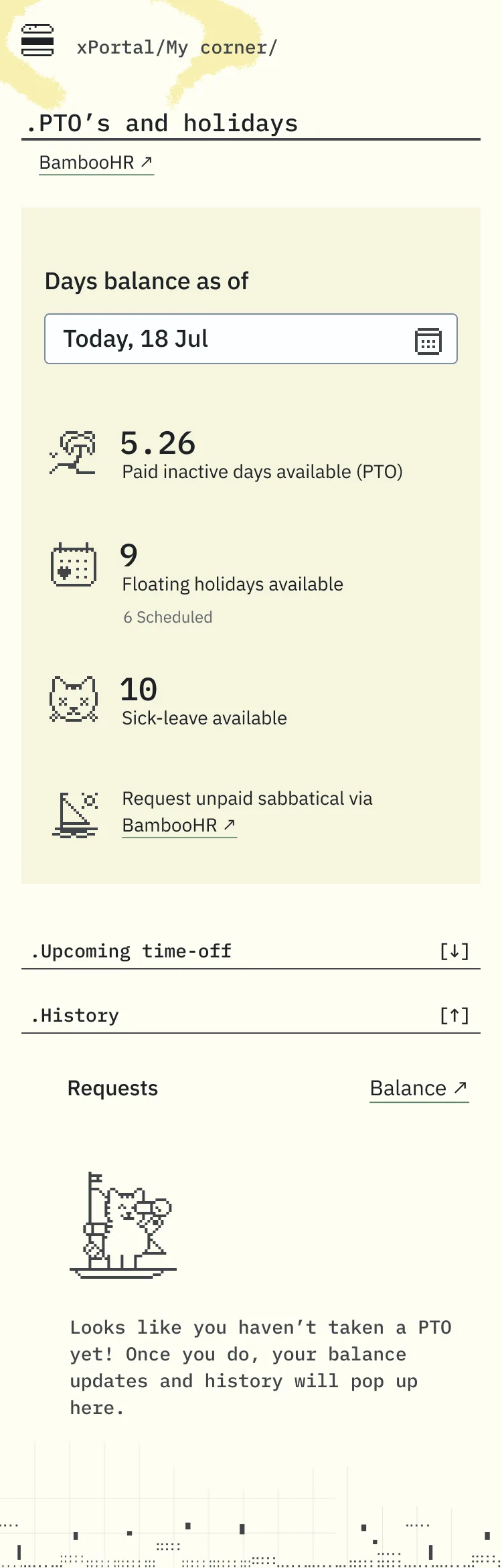
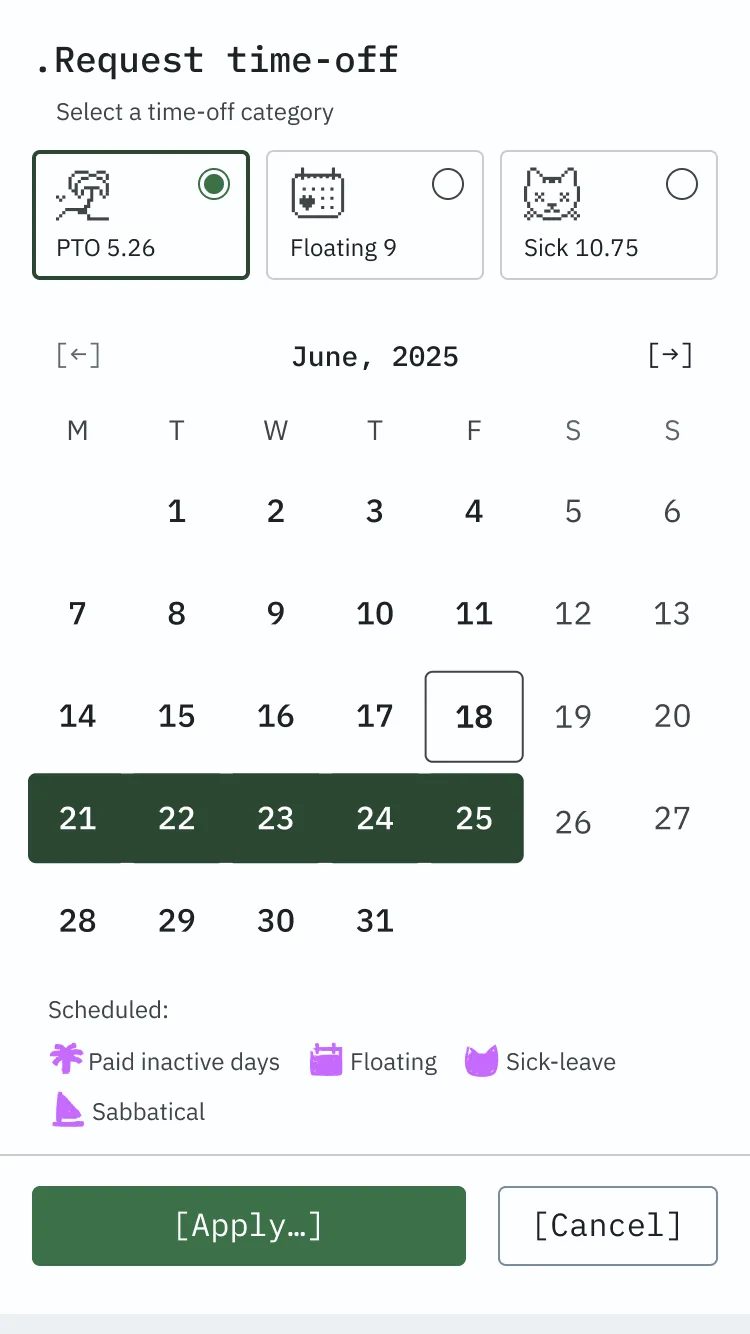
My Corner is the personal workspace — time tracking, PTO and holidays, benefits, trainings, IT requests, policies, all in one place, with integrations planned so nothing ever sends you somewhere else.
Discover T. covers everything about the company itself.
Departments brings together key information about each team — who's there, what they do, main contacts.
xCommunity is a space for knowledge sharing and connection across the whole company.
Support is there for when things break or people need help.
Each section exists because we found a real need for it — from both sides. Leadership needed a structured way to communicate across the whole company. Users needed a place where things just made sense. xPortal was where those two needs met.
One thing we were deliberate about: the structure isn't built around the org chart. It's built around how people think and what they're trying to do.
Nobody navigates by hierarchy. They navigate by need.
What we learned
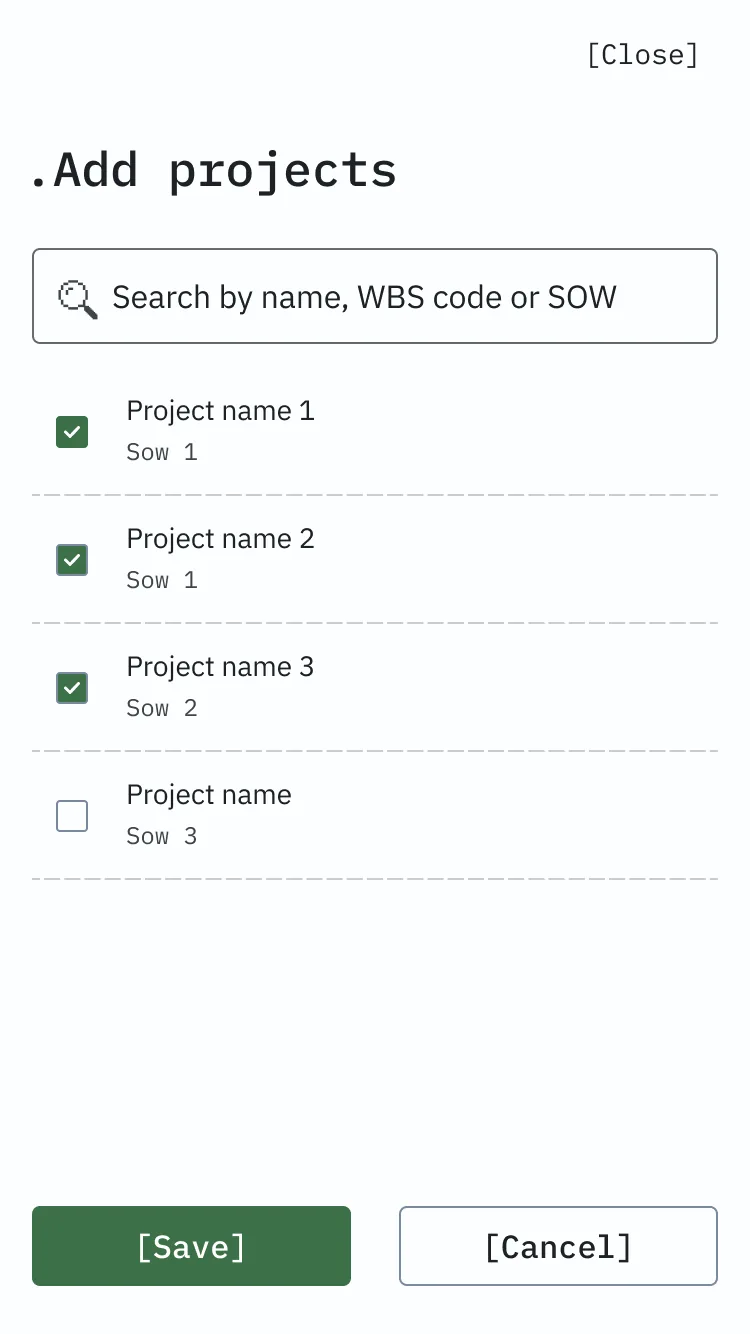
My Corner turned out to be the heart of it. Users described it as "about me" — and that's exactly what it is. Everything work-related and personal in one place: your hours, your days off, your benefits, your gear. They rated it 8–9 out of 10, and many wanted it as their default landing page.
 (open full size)
 (open full size)
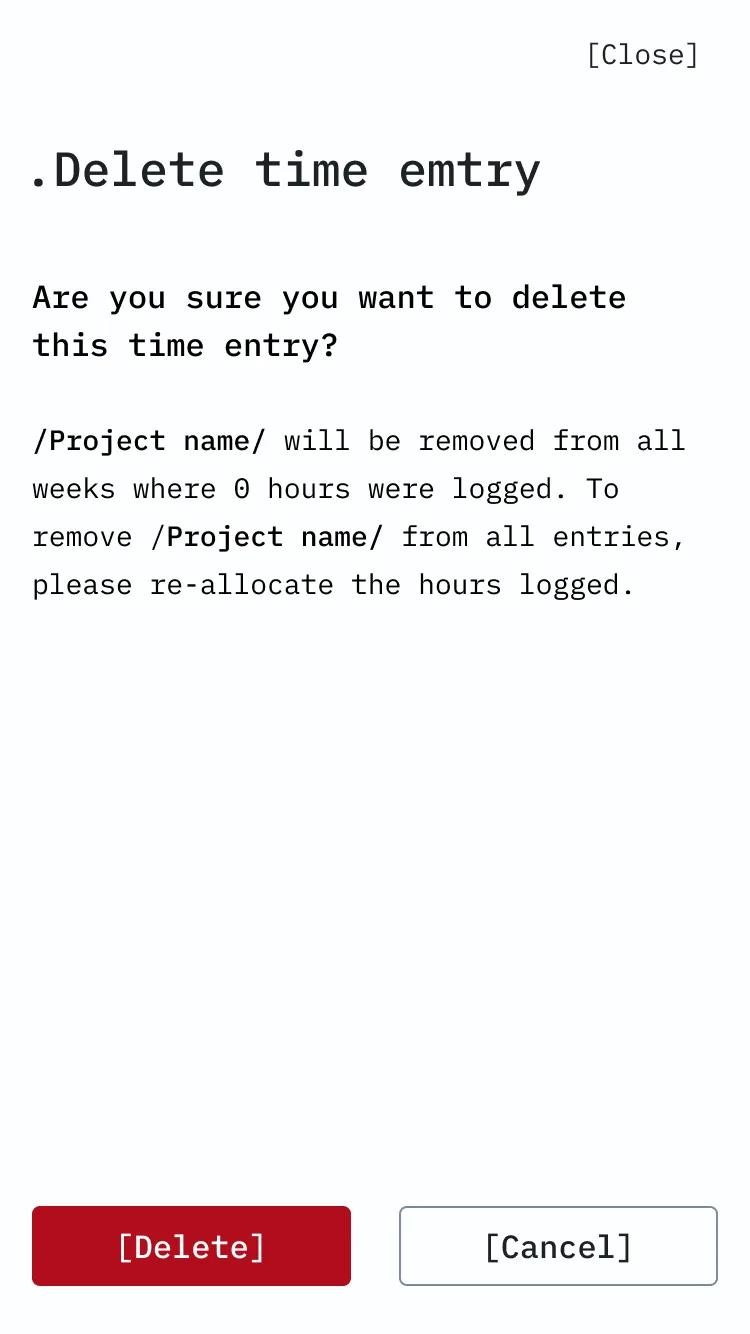
What's New had clearer expectations than we initially assumed. Users knew what they wanted from it: team announcements, tool and policy updates, things relevant to their role and region. The sidebar with birthdays and new hires wasn't just a nice touch — it was one of the features people responded to most warmly. A news feed that also remembers you're a human being.

Keeping it alive
A portal is only as good as what's in it. So we built a custom CMS on top of SharePoint. Any team member can suggest a news topic; it goes to the communications team, who review, scope, and schedule it. The comms team also creates and curates content themselves. It's a hybrid model: open enough for anyone to contribute, structured enough to keep the feed relevant. The goal — make it easy for the company to talk to people, and easy for people to talk to each other.
// Part 3
Technologies
SharePoint doesn't have the best reputation among designers. It's a powerful platform, but it comes with constraints — and working around them creatively is part of the job. We needed xPortal to be scalable and flexible, so we moved away from the traditional nested parent/child hierarchy toward Hubs — a flat model where sites connect by topic, department, or project, not by who reports to whom.
Most of xPortal runs on SharePoint: Discover T., Departments, xCommunity, Support. Standard pages, built thoughtfully. But What's New and My Corner needed more than SharePoint could offer out of the box — so we built custom solutions for both, designed to integrate seamlessly with the company's internal platforms and the rest of the portal.
One product. Not a patchwork.
// Part 4
Nevermind
When we first presented the visual concept to our CEO, he said it reminded him of a Nirvana album.
We took that as a compliment — and named the concept accordingly.
xPortal's identity is built around a specific generation: people who grew up in the 90s and early 2000s, during the digital revolution and the first explosion of the web. The graphic style reflects that era — a mashup of grunge, experimental anti-design, bold Memphis color, and a dash of brutalism. Think David Carson. Think Neville Brody. Think everything that made corporate design people uncomfortable.
No stock images. No black and white. No symmetry — layouts run on a 5-column asymmetrical grid, because symmetry is boring and we stand by that.
The typeface pairing captures the tension between human and machine: IBM Plex Sans for body text, IBM Plex Mono for buttons and actions. Colors stay within a palette of dark green, pale yellow, and light grey. And instead of icons, we use typographic symbols — [ ], //, ., # — paired with pixel-style micro illustrations.
Which brings us to the cats.
We picked cats because cats mean home. And that's what we wanted xPortal to feel like — not an office tool you tolerate, but a place that's good to be in. Cats just got it before we did.
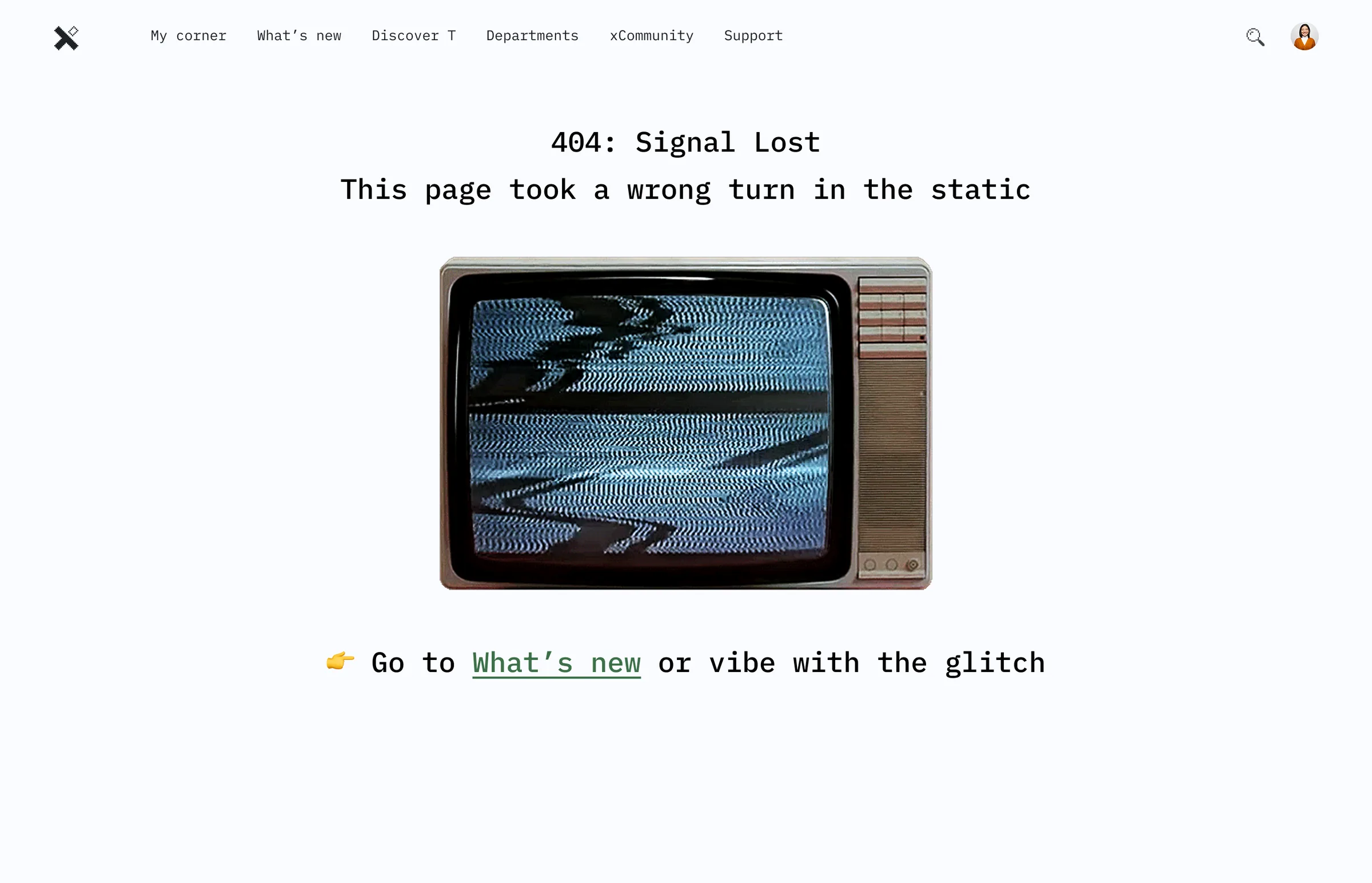
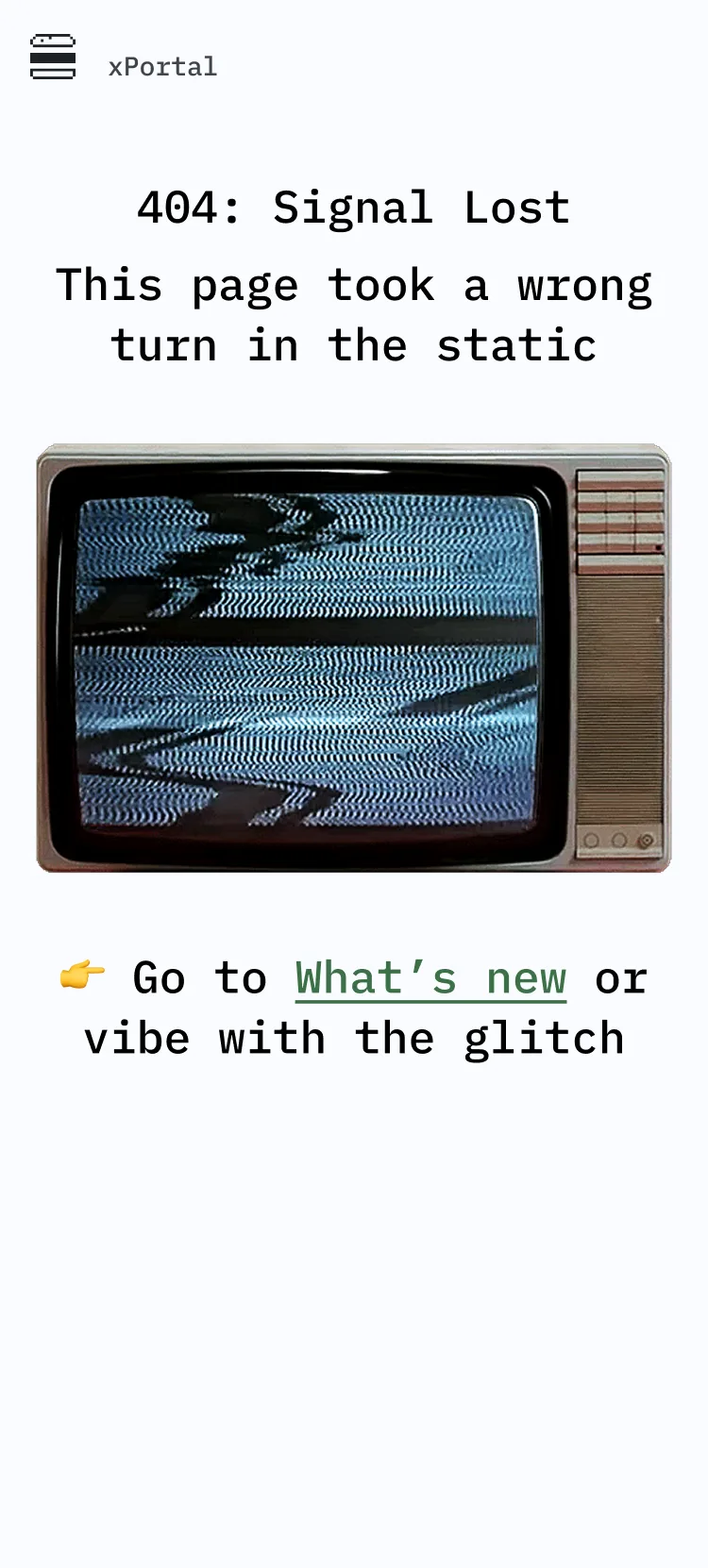
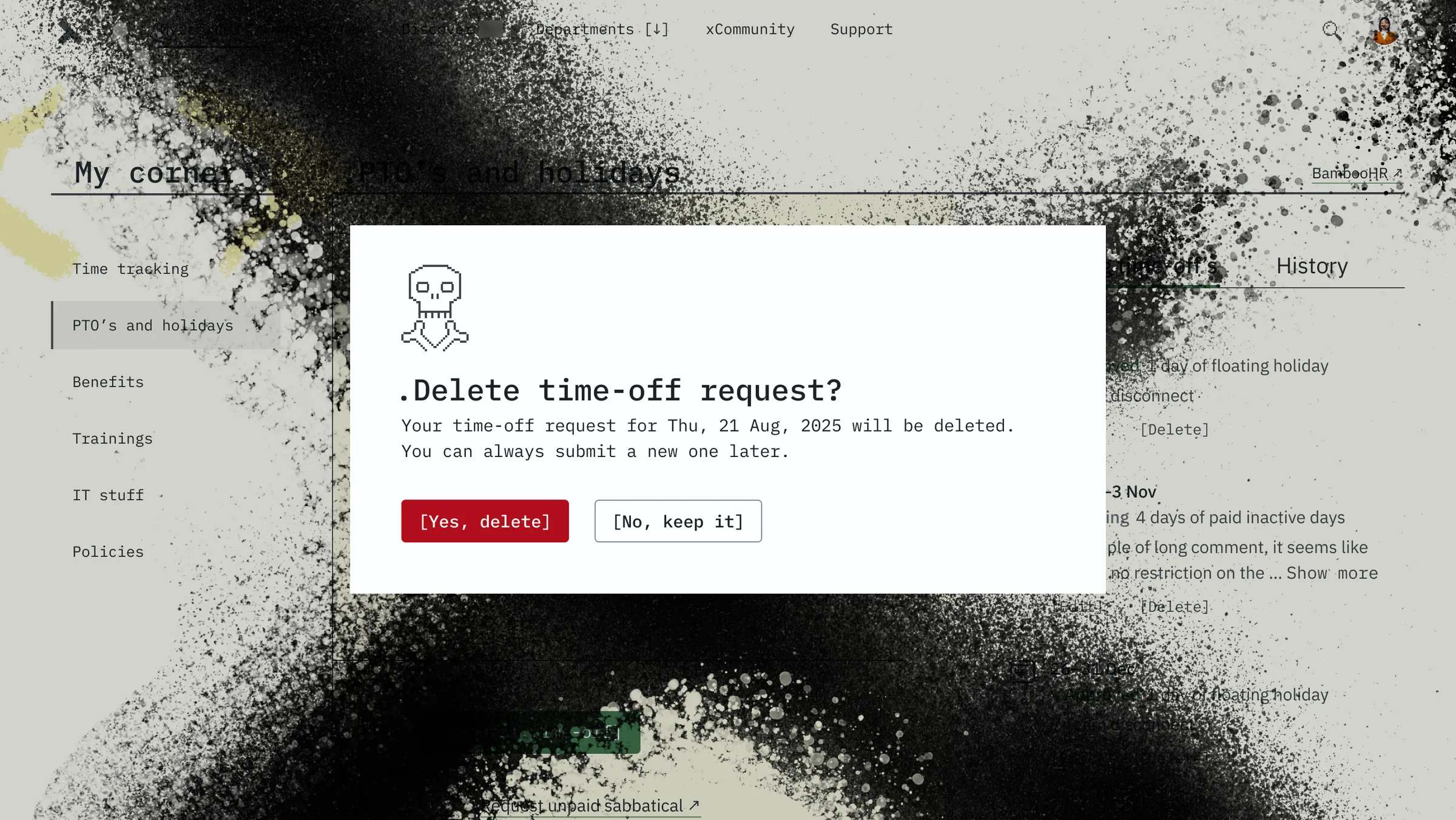
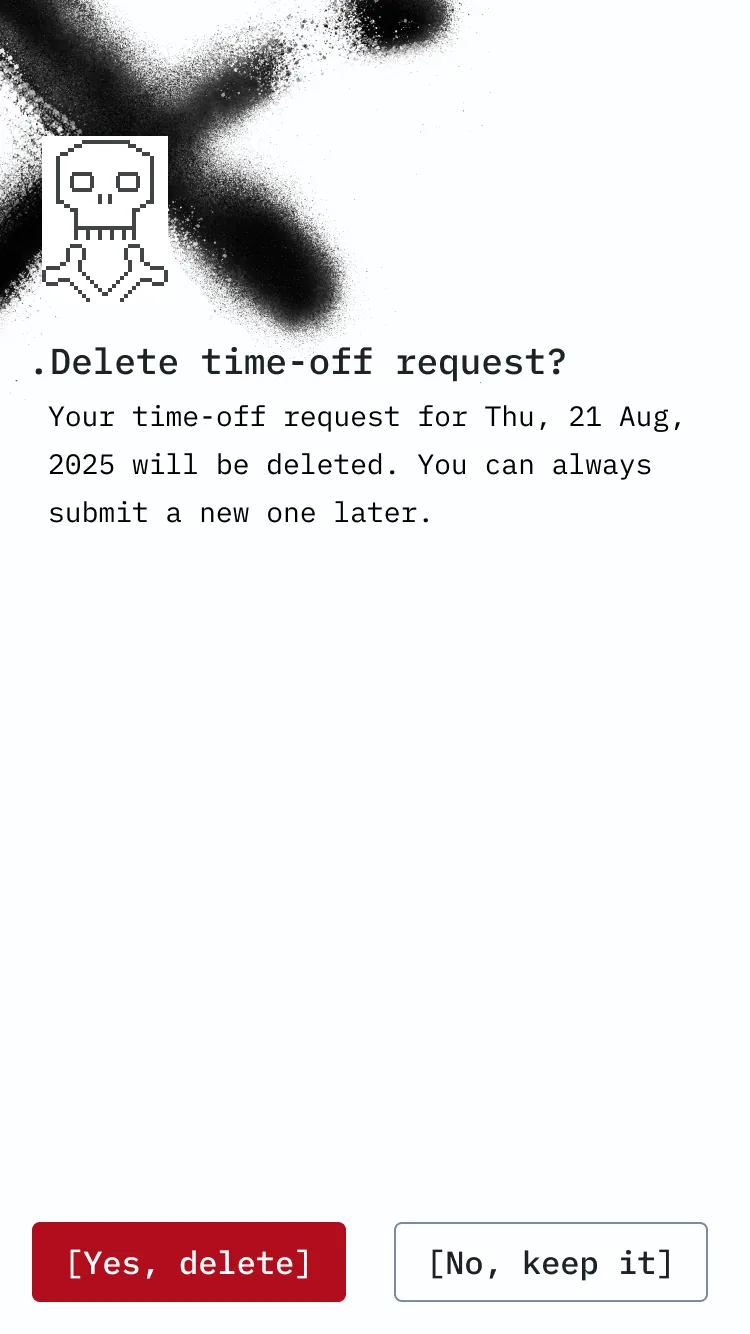
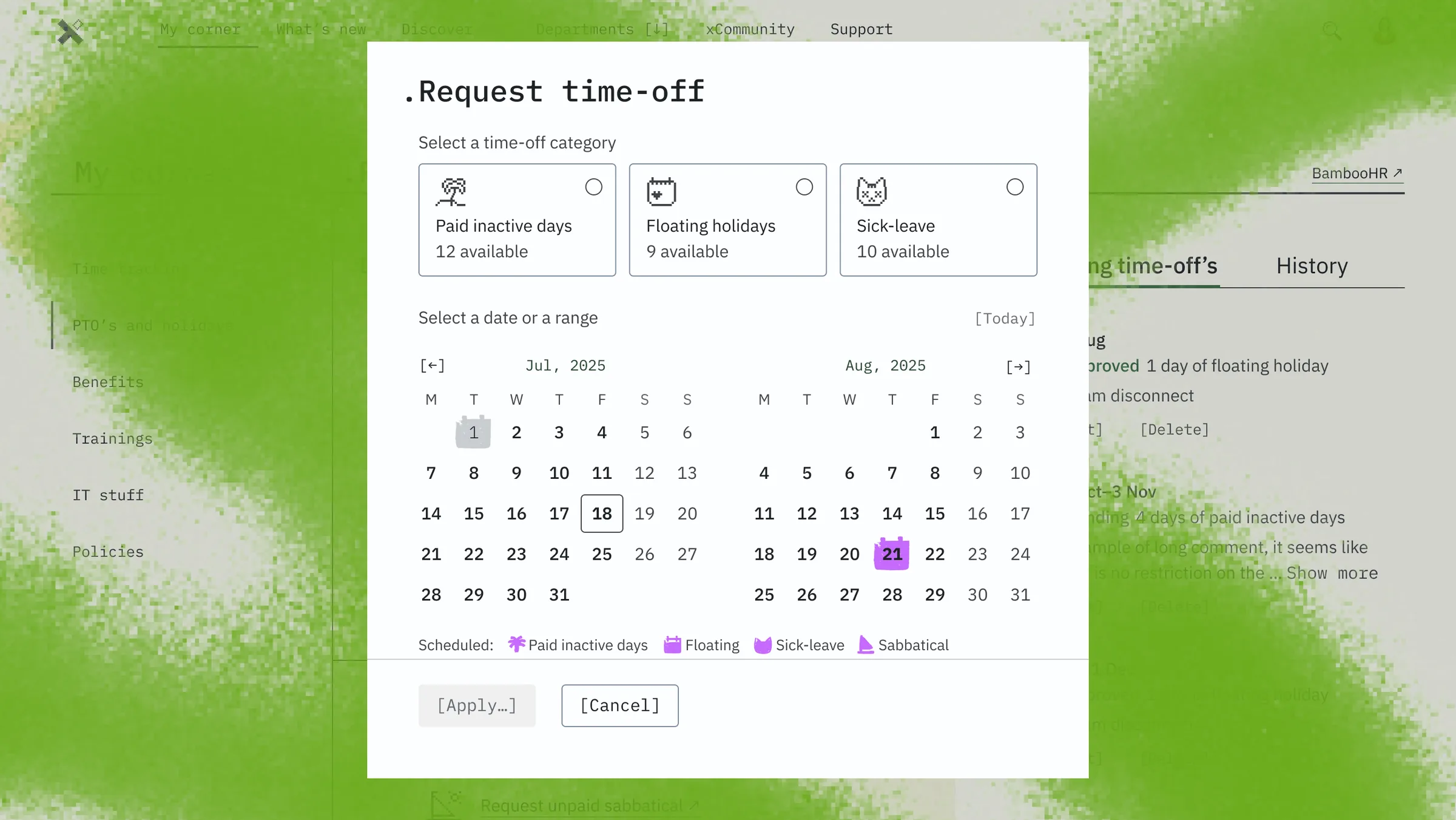
Cats aren't decoration. They're part of the identity. Pixel cats appear in empty states, error pages, and throughout the UI as a consistent visual thread. On the What's New page, if someone hasn't uploaded a profile photo, a pixel cat shows up in their place. If it's their birthday, the cat is wearing a party hat. If they just joined — same cat, no hat. It's a small thing, but it's the kind of small thing that makes people smile when they notice it.
 (open full size)
 (open full size)
 (open full size)
 (open full size)
 (open full size)
 (open full size)
Tone of voice follows the same logic: casual, conversational, like you're talking to a colleague — not reading a memo. Formal is boring. And we don't do boring.
All of this lives in Red Room — a short style guide that keeps the whole system consistent without turning into a 200-page brand bible nobody reads.
// Part 5
What happened to it?
The portal is built. Fully functional, ready to go. But the company is going through a major reorganization, and xPortal is waiting for its full-scale launch on the other side of it.
// Part 6
Why intranets die
Most intranets don't fail because of bad technology. They fail because they were never really built for the people using them.
The pattern is familiar: a platform designed for top-down communication, where information flows one way and nobody asks whether anyone actually reads it. Content goes stale because there's no clear ownership. Leadership doesn't use it, so nobody else feels like they should. There's no personalization, so everything feels equally irrelevant.
We knew this going in. So instead of designing another intranet, we designed around every one of those failure points — and then gave the whole thing a personality sharp enough to make people remember it exists.
// Part 7
xPortal 2.0: the AI version that never happened
Everything we learned about portals shaped the vision for what could come next. Not an intranet with an AI chat bolted on — a complete shift in how people interact with it.
Today, using an intranet means making a conscious decision to leave what you're doing. Close Teams. Open the browser. Log in. Navigate somewhere. Do the thing. Come back. Every step is friction, and every step is a chance to give up.
We envisioned an intranet where the user never leaves their workflow. The intelligence comes to them — pre-assembled, context-aware, with recommended actions ready to execute.
Like a cat that follows you around. Purring, making everything better just by being there.